
The Tunnel Manager, introduced in App Cloner 3.6, allows you to create a reverse proxy that makes the App Cloner HTTP server reachable from the internet via an appcloner.me subdomain.
This is useful when you need to access App Cloner features like Remote Control, the Layout Inspector API or monitoring services from outside your local network, for example, enabling you to control office devices remotely from home.
To use the Tunnel Manager, ensure the App Cloner HTTP server is running. You can start it from the App Cloner Settings screen.
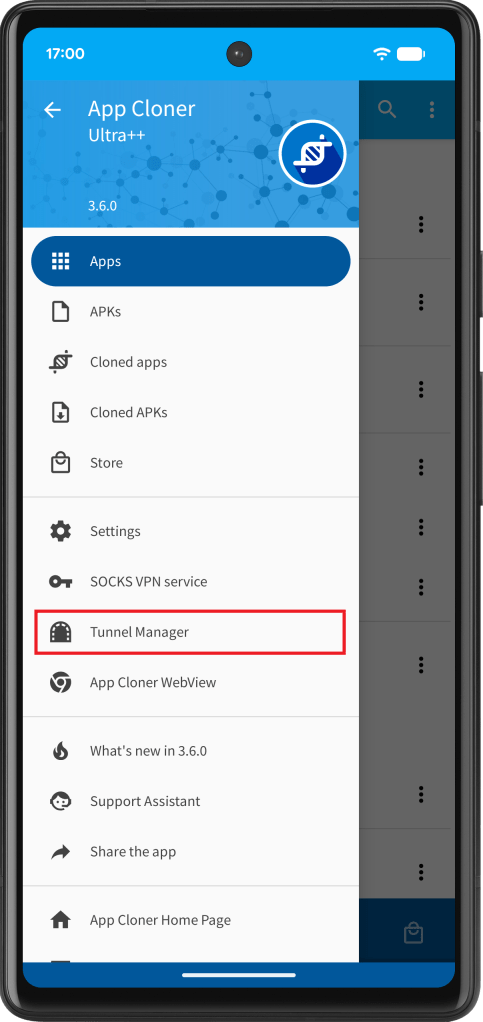
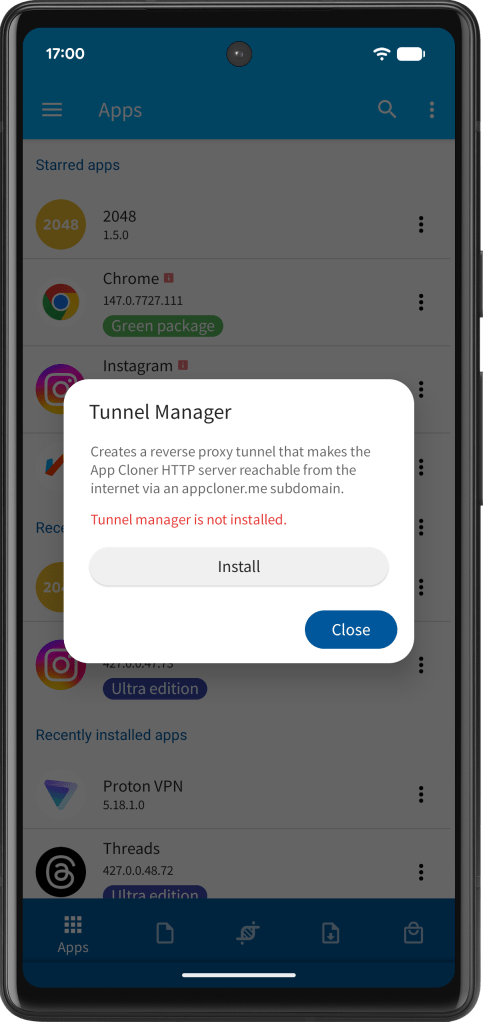
You can open the Tunnel Manager from the navigation drawer. When using it for the first time or when an update is required, App Cloner will prompt you to download and install the required components automatically.
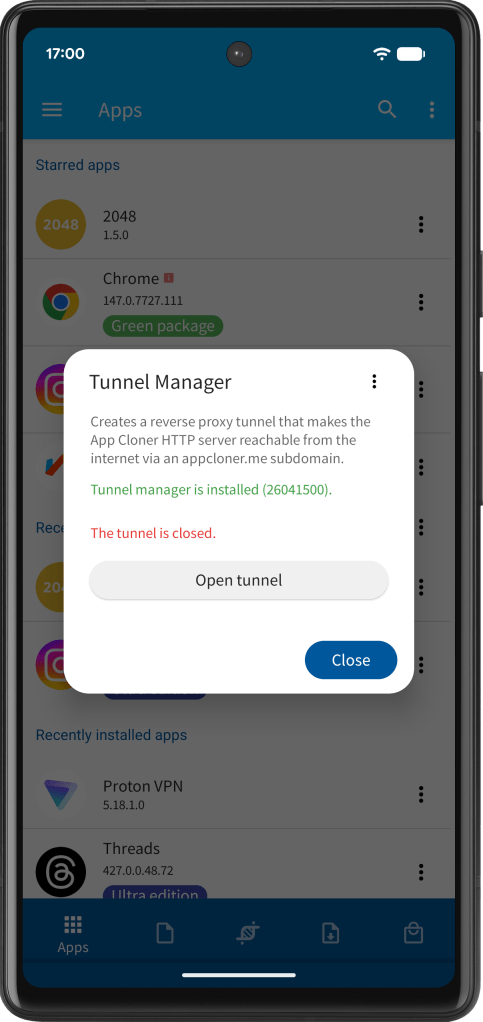
Once installed, tap Open tunnel to establish the connection. This may take about a minute.
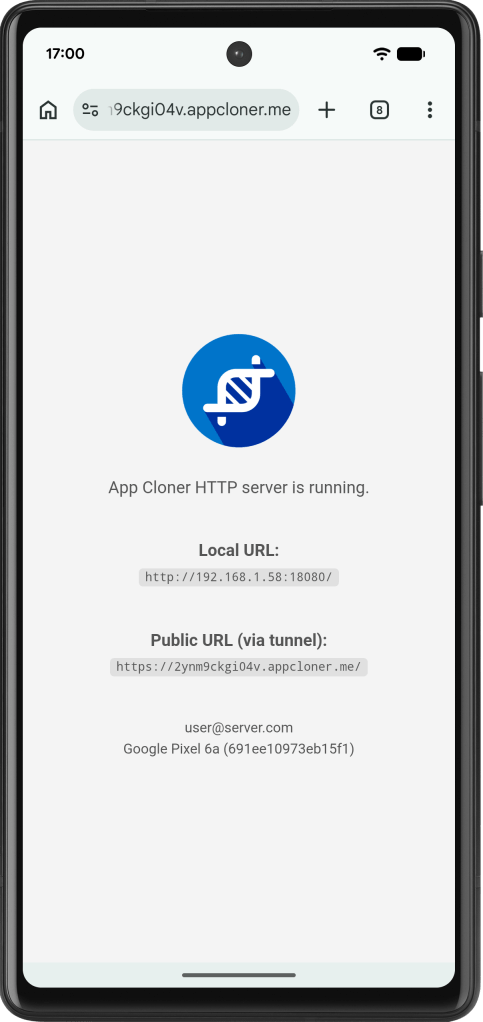
Once the tunnel is established, App Cloner assigns a random appcloner.me subdomain and shows you the HTTPS URL. Tap the link to open the App Cloner HTTP server in your browser. The home page displays both the local and public URLs, along with your account and device details.
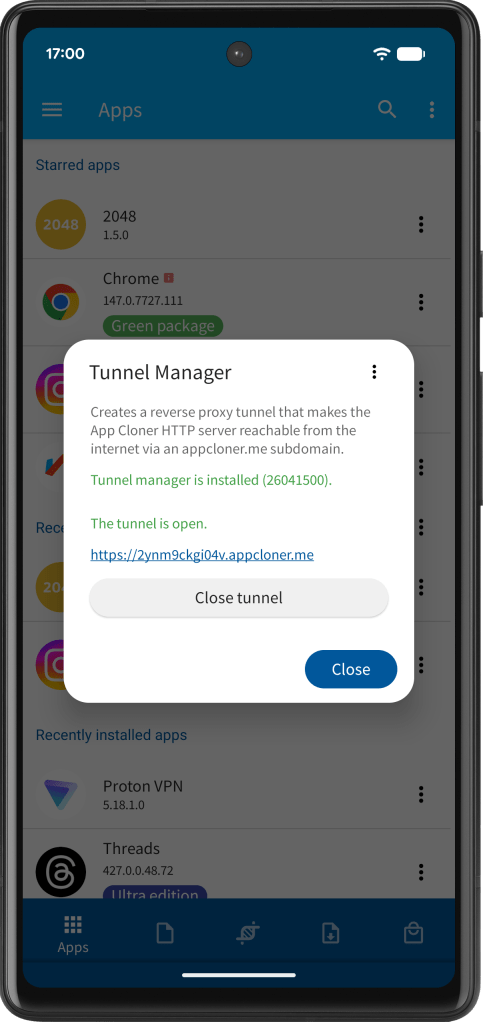
The tunnel stays active until you close it. App Cloner and the HTTP server must remain running for it to work. If your device tends to stop background apps, consider enabling the Keep App Cloner running persistence service in Settings.
Closing the tunnel removes the assigned subdomain. When you open it again, a new random subdomain is generated. Do not share this URL publicly, as it provides direct access to the App Cloner HTTP server.
While the tunnel is active, App Cloner features such as Remote Control and monitoring options will use the public URL by default.
The Tunnel Manager is available to Ultra++ edition users. If you already have Ultra or Ultra+, you can upgrade to Ultra++ for the difference.


You must be logged in to post a comment.