
WebViews custom script is a WebView option available to users with the Orange package. It allows injecting custom JavaScript code into WebViews used by the cloned app, which is executed after a WebView component has finished loading the page. In that sense it provides functionality similar to Firefox’s Greasemonkey or Chrome’s Userscripts.
A global object called callback is provided for the script to show dialogs, toasts and notifications. It also allows copying text into the clipboard.
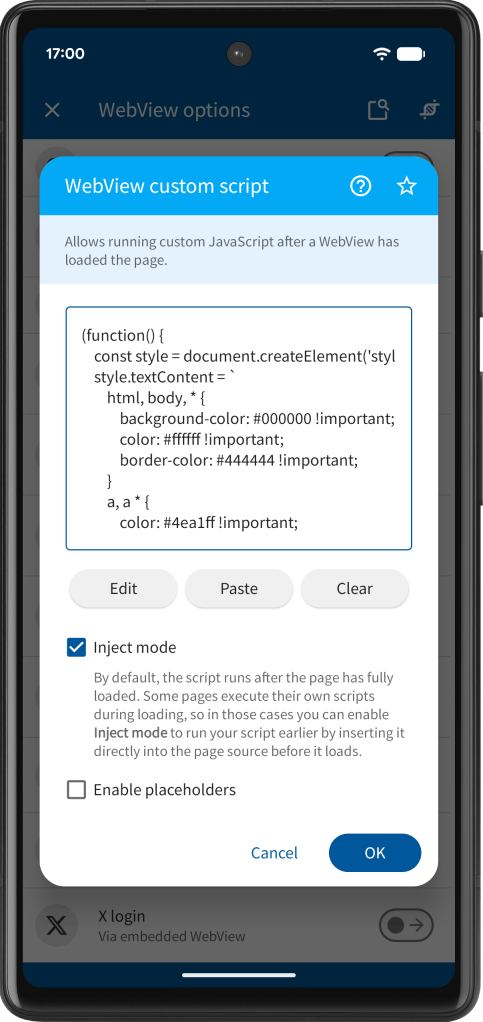
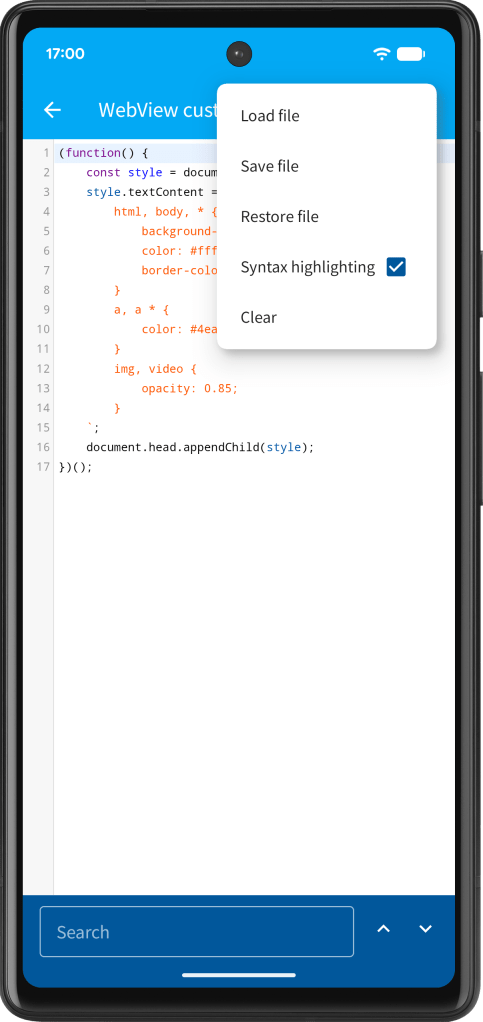
By default, the script runs after the page has fully loaded. Some pages execute their own scripts during loading, so in those cases you can enable Inject mode to run your script earlier by inserting it directly into the page source before it loads.
By selecting Enable placeholders (Red package required) from the menu you can enable placeholder support for the JavaScript source (see also Placeholders).
Here some examples:
Showing a dialog
Provide the arguments title and message to showDialog().
(function() { // Show the page HTML source as a dialog callback.showDialog('Page source', document.body.innerHTML);})();
Showing a toast
Provide the argument message to showToast().
(function() { // Show the page URL address as a toast callback.showToast(window.location.href); })();
Showing a notification
Provide the arguments title, text (optional) and highImportance (optional) to showNotification(). High importance notifications will be shown as heads-up notifications.
(function() { callback.showNotification('Text'); callback.showNotification('Title', 'Text'); callback.showNotification('Title', 'Text', true); })();
Using the clipboard
Use setClipboardText() to copy text into the clipboard and getClipboardText() to get the current clipboard text.
(function() { callback.setClipboardText(document.body.innerHTML); // Log clipboard text to Android logcat console.log(callback.getClipboardText()); })();


You must be logged in to post a comment.