
The Manifest editor is part of the Manifest & resource options, which can be unlocked by purchasing the corresponding add-on.
It’s intended for Android developers or users familiar with Android manifest files. Incorrect changes to these files may prevent the cloned app from installing or cause it to crash.
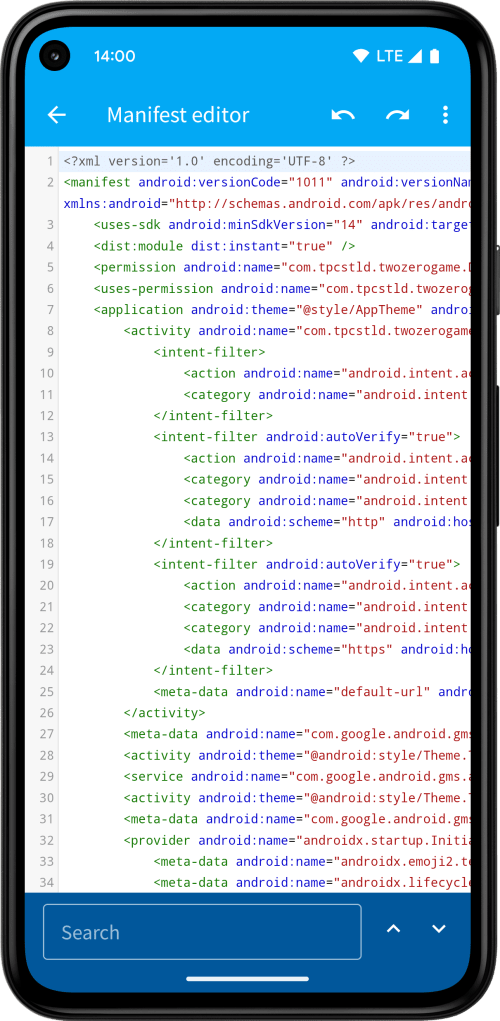

The XML code editor features syntax highlighting and validates the XML before applying any changes. If you make a mistake, use the undo button in the toolbar to revert your edits. Undo and redo history is only kept during the current editing session.
A search bar at the bottom helps you find and highlight specific text within the XML file.
With the Green package, you can import or export XML files using the Load file and Save file options. Use Restore file to revert the file back to its original version.
All edits are saved as patches in standard diff format. This ensures that, when the original app is updated and the XML file changes, your edits can still be applied, unless there’s a direct conflict (e.g. changes on the same line). In case of conflict, you can reopen the editor to view or copy the patch.
 App Cloner
You must be logged in to post a comment.