
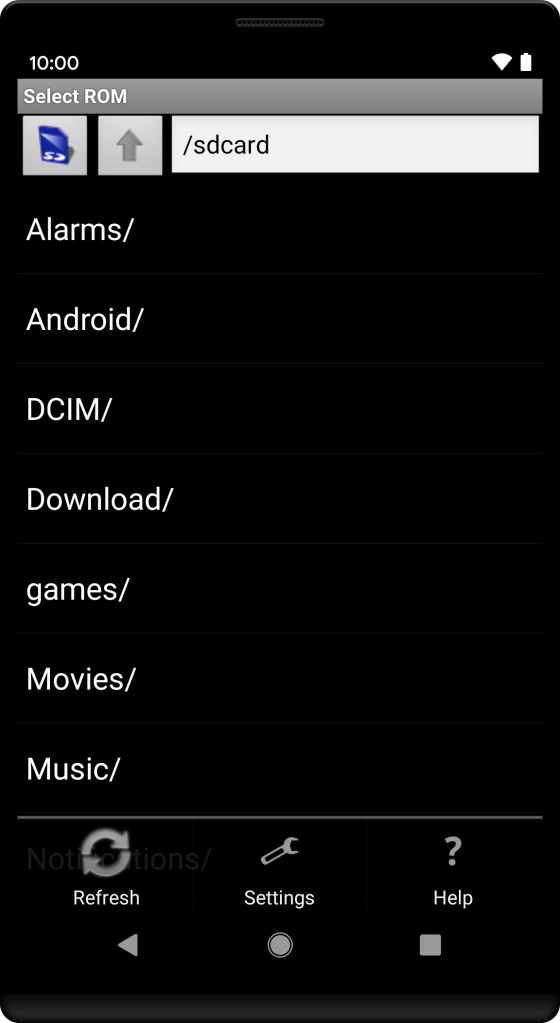
Starting with Android 10, Google removed support for hardware menu buttons in legacy apps. This is unfortunate for older apps like Nesoid (a NES emulator for Android) that are no longer maintained. On Android 9, users could still access the app’s options menu via the overflow button in the navigation bar. This is no longer possible on newer versions.
While some third-party tools like Menu Button (No root) exist, they often require switching input methods and can be inconvenient for regular use.
App Cloner solves this with a navigation option called Long-press Back for options menu. When enabled, long-pressing the Back button in the cloned app will trigger the options menu, making legacy apps usable again.

 App Cloner
You must be logged in to post a comment.