
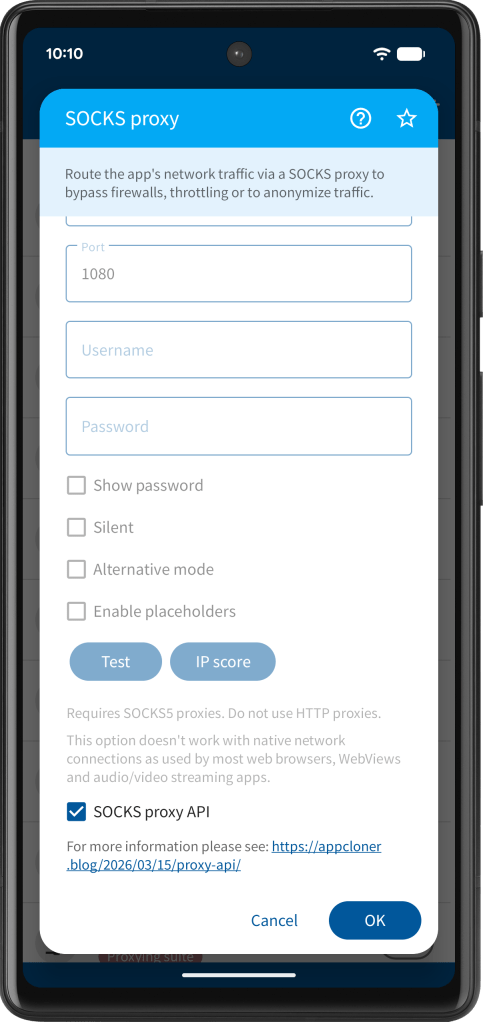
SOCKS proxy API
The SOCKS proxy API, which is available for users with the Red package, allows sending broadcasts via the following ADB command to update the cloned app’s SOCKS proxy programmatically.
adb shell am broadcast -p <packageName> -a com.applisto.appcloner.api.action.SOCKS_PROXY --es name <name> --es host <host> --ei port <port> --es username <username> --es password <password> --ez terminate <true|false>
The -p parameter specifies the package name of the cloned app, which you can see when opening the app info dialog of the cloned app under Cloned apps.
The –es name parameter optionally allows specifying the name of the proxy and is shown in notification messages. This is useful in case all your proxies use the same host / port and are configured via the username or password.
The –es host and –ei port parameters specify the SOCKS proxy’s host and port, respectively. If no port is specified, the default SOCKS port 1080 is used. If the SOCKS proxy requires authentication, you also must provide the –es username and –es password parameters.
By default, after successfully receiving the SOCKS proxy information, the cloned app will automatically terminate. If you don’t want terminate the app, you need to add the parameter –ez terminate false.
The SOCKS proxy set via the API is persisted. If you restart the cloned app at a later time, it will continue to use the provided SOCKS proxy.
The SOCKS proxy set via the API always takes precedence over any SOCKS proxy specified in the clone settings (runtime or otherwise). If you wish to disable or unset the API’s SOCKS proxy, send the ADB command without defining the host parameter.
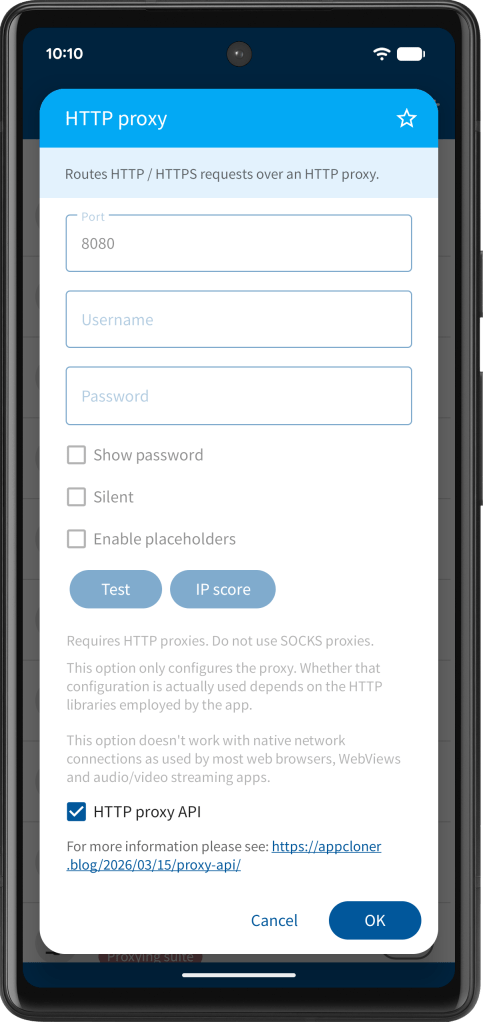
HTTP proxy API
The HTTP proxy API, also available for users with the Red package, allows sending broadcasts via the following ADB command to update the cloned app’s HTTP proxy programmatically.
adb shell am broadcast -p <packageName> -a com.applisto.appcloner.api.action.HTTP_PROXY --es host <host> --ei port <port> --es username <username> --es password <password>
The -p parameter specifies the package name of the cloned app, which you can see when opening the app info dialog of the cloned app under Clones.
The –es host and –ei port parameters specify the HTTP proxy’s host and port, respectively. If no port is specified, the default HTTP port 8080 is used. If the HTTP proxy requires authentication, you also must provide the –es username and –es password parameters.
After successfully receiving the HTTP proxy information, the cloned app will automatically terminate.
The HTTP proxy set via the API is persisted. If you restart the cloned app at a later time, it will continue to use the provided HTTP proxy.
The HTTP proxy set via the API always takes precedence over any HTTP proxy specified in the clone settings (runtime or otherwise). If you wish to disable or unset the API’s HTTP proxy, send the ADB command without defining the host parameter.
The HTTP proxy API is available from App Cloner 3.4.6 onward.
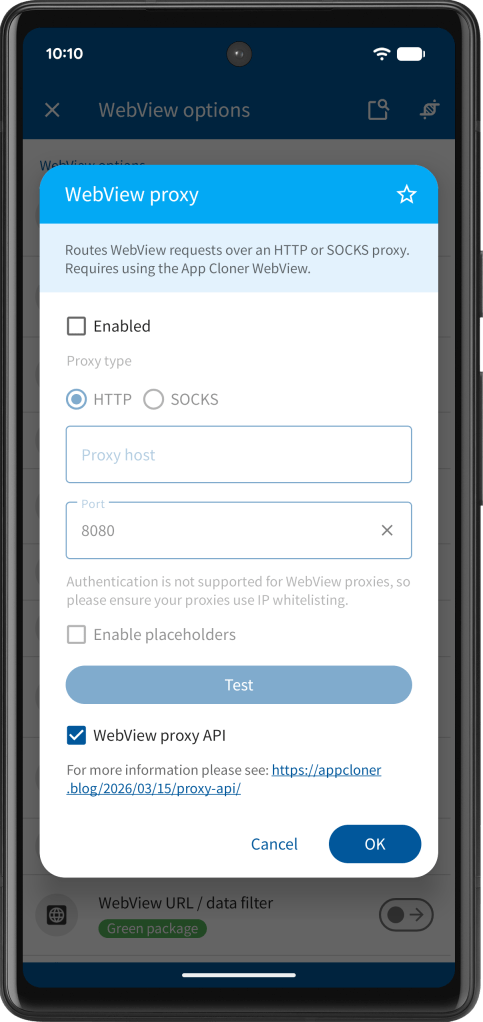
WebView proxy API
The WebView proxy API, again available for users with the Red package, allows sending broadcasts via the following ADB command to update the cloned app’s WebView proxy programmatically.
adb shell am broadcast -p <packageName> -a com.applisto.appcloner.api.action.WEB_VIEW_PROXY --es type <HTTP|SOCKS> --es host <host> --ei port <port>
The -p parameter specifies the package name of the cloned app, which you can see when opening the app info dialog of the cloned app under Clones.
The –es type parameter must be set to HTTP for an HTTP proxy or SOCKS for a SOCKS proxy. The –es host and –ei port parameters specify the proxy’s host and port, respectively. If no port is specified, the default is 8080 for HTTP proxies and 1080 for SOCKS proxies.
After successfully receiving the WebView proxy information, the cloned app will automatically terminate.
The WebView proxy set via the API is persisted. If you restart the cloned app at a later time, it will continue to use the provided WebView proxy.
The WebView proxy set via the API always takes precedence over any WebView proxy specified in the clone settings (runtime or otherwise). If you wish to disable or unset the API’s WebView proxy, send the ADB command without defining the host parameter.
The WebView proxy API is available from App Cloner 3.4.6 onward.
 App Cloner
You must be logged in to post a comment.