
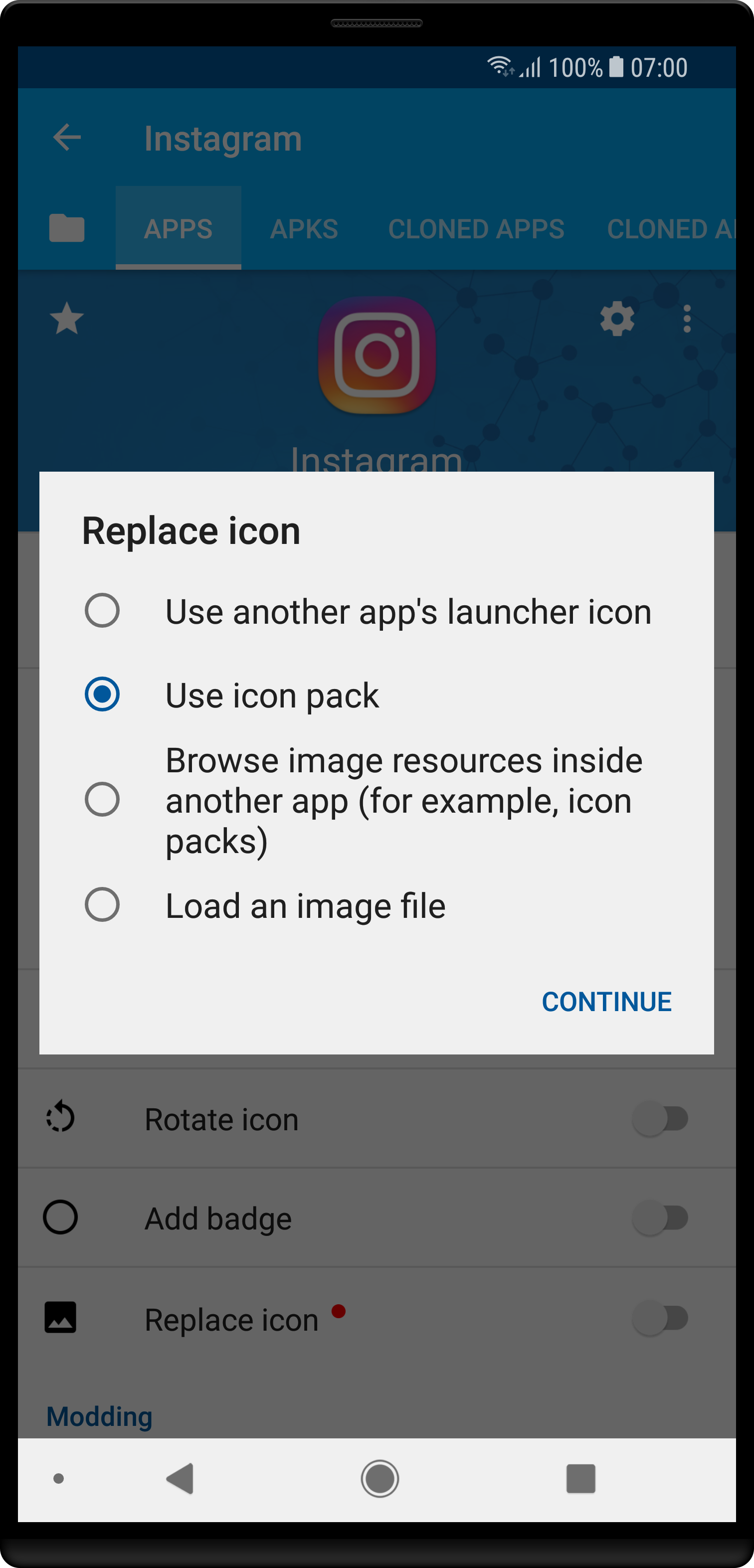
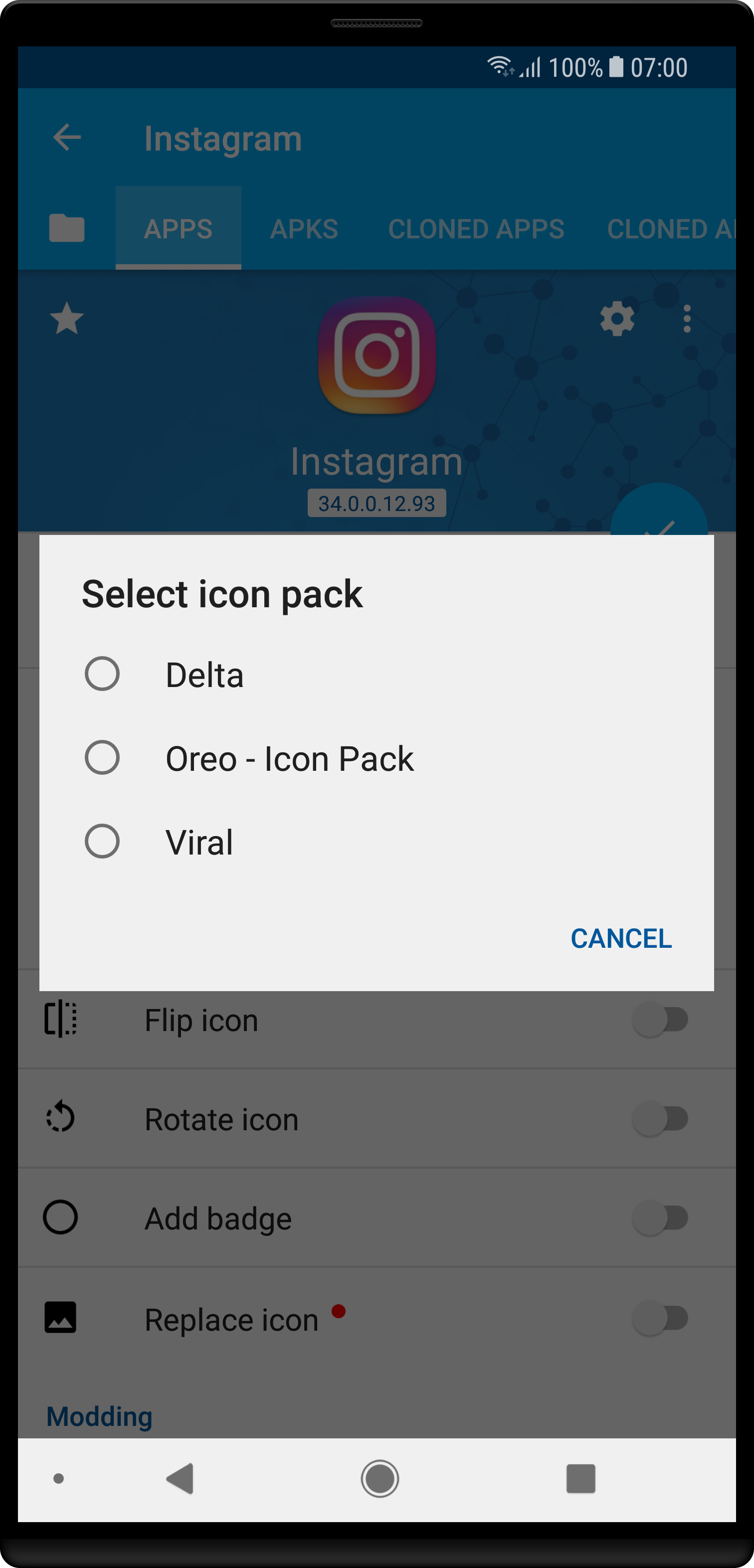
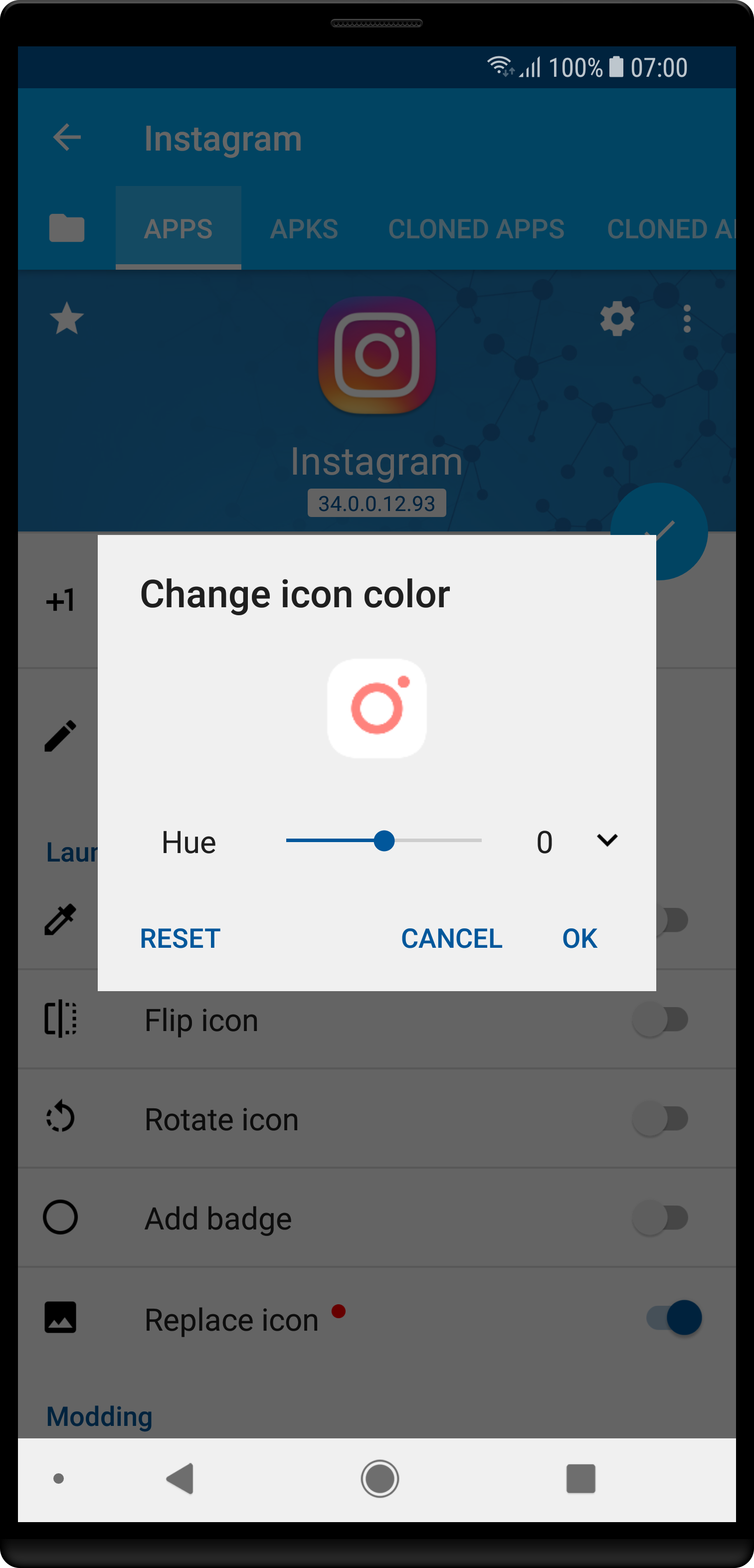
In App Cloner 1.4.13 you’ll be able to replace the app icon directly from an installed icon pack. You’ll no longer need to search for the image inside an icon pack app. Just select the icon pack and App Cloner will find the correct icon (provided the icon pack contains an icon for the app in question).
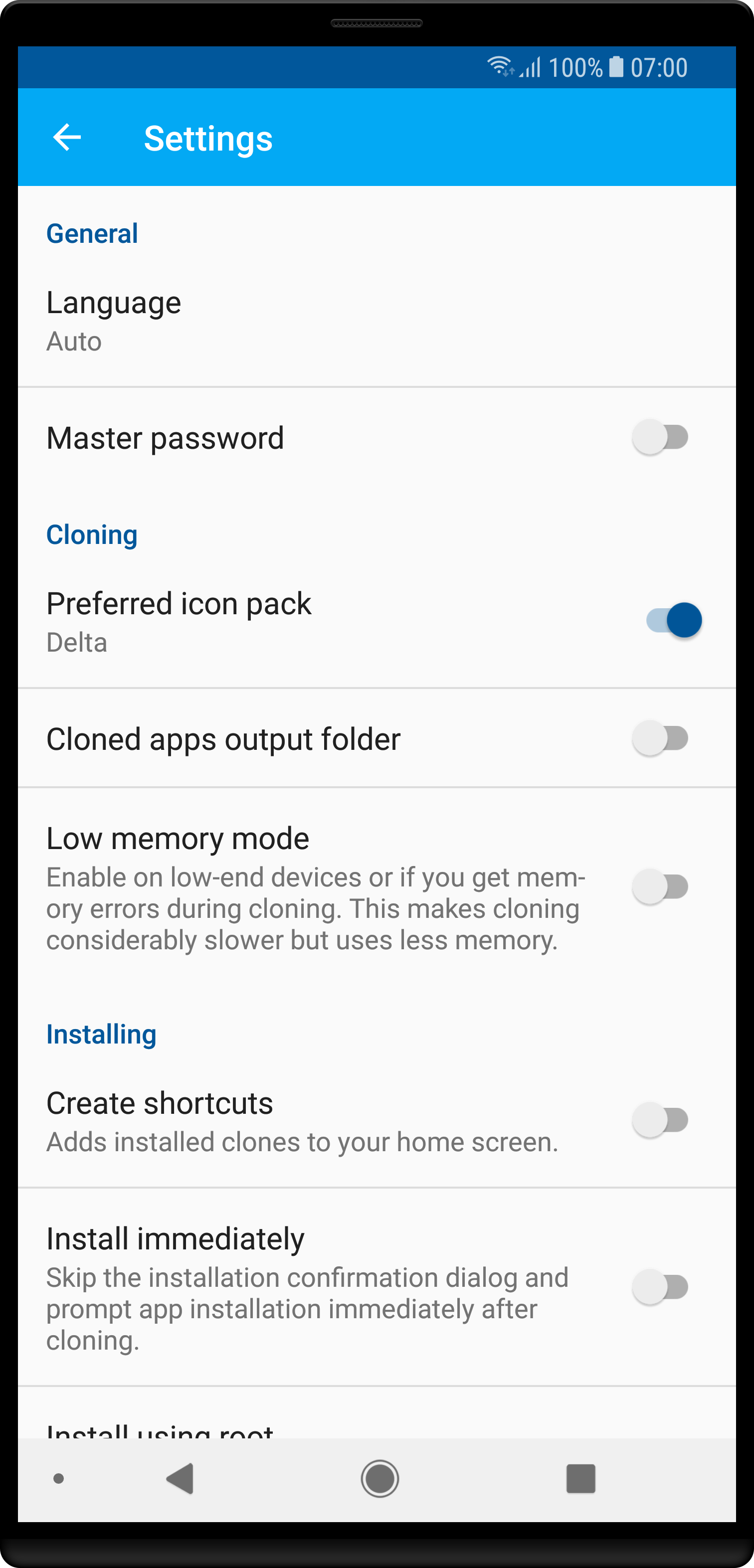
Also, in the App Cloner settings you can set a default/preferred icon pack. Then all cloning will try to use the app icon from the selected icon pack by default.
Some ideas from the PixelPack app are coming back to App Cloner 🙂
 App Cloner